
Building Responsive Web Layouts with Modern CSS
CSS Grid and Flexbox have changed everything. This guide walks you through building layouts that adapt beautifully across all screen sizes without breakpoint chaos.
Read Full Guide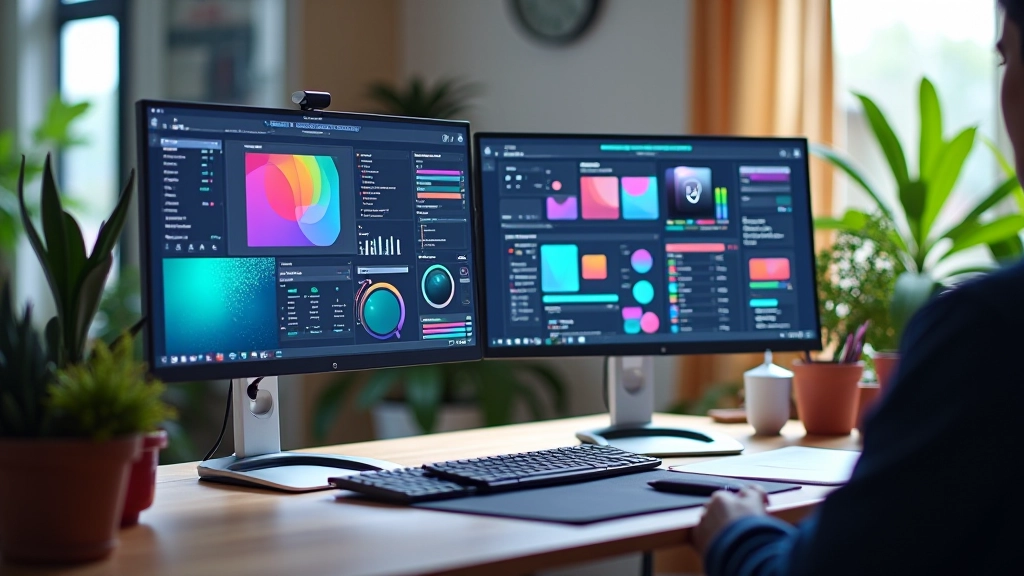
Learn practical skills that make websites feel alive. Real projects. Real feedback. Real results.
We’ve designed these courses around real-world web design challenges. You’ll learn the exact techniques used in modern studios.
Create smooth, performant animations from scratch. Learn timing functions, delays, and how to avoid janky motion. We’ll show you animations that don’t drain battery on mobile devices.
Learn MoreSmall interactions create big impressions. Button hovers. Loading states. Feedback animations.
Build layouts that adapt beautifully across all screen sizes. No breakpoint chaos.
Go beyond CSS. Use JavaScript for complex interactive animations and effects.
Typography, color theory, spacing. The foundation of every great design.
We start with fundamentals. You’ll understand the why behind every technique, not just the how.
Apply what you’ve learned to real projects. You’ll have a portfolio piece by the end of each module.
Instructors review your work and provide specific, actionable feedback. That’s how you actually improve.
You’ll walk away with skills you can use immediately in real design work.
Comprehensive Modules
Video Lessons
Hands-On Projects
Self-Paced Learning
“Design isn’t just about making things look pretty.”
It’s about solving problems and creating experiences that feel natural. Every animation should have a purpose. Every interaction should delight the user.
“Animation matters more than ever.”
Users expect smooth, responsive interfaces. Animation is no longer optional — it’s fundamental to modern web design. We’ll show you how to master it.
“Learning by doing works best.”
You won’t just watch videos. You’ll build real projects, make mistakes, fix them, and learn from the process. That’s where real skill comes from.
These aren’t theoretical skills. You’ll have portfolio pieces that showcase your abilities to potential employers or clients. You’ll understand modern animation frameworks and best practices.
Start Learning TodayCreate buttons, menus, modals, and carousels with smooth animations.
Know when to use CSS vs JavaScript. Understand GPU acceleration and why it matters.
Learn the psychology behind micro-interactions and how they guide user behavior.
Most designers can’t animate. You will. That’s a competitive advantage.
CSS fundamentals and basic animations. You’ll understand transforms, transitions, and how browsers render motion.
Advanced animations. Keyframes, timing functions, and animation performance optimization.
Micro-interactions and user feedback. Creating delightful hover states and loading animations.
JavaScript animations and interactive design. Building complex animations that respond to user input.

CSS Grid and Flexbox have changed everything. This guide walks you through building layouts that adapt beautifully across all screen sizes without breakpoint chaos.
Read Full GuideGot questions? We’ve got answers. If you don’t see what you’re looking for, reach out — we’re here to help.
Nope. We start from the basics and build up. If you understand HTML and CSS fundamentals, you’re ready. We’ll teach you the design principles as we go.
Most people complete a course in 4-8 weeks, depending on how much time you can dedicate. It’s self-paced, so you can go faster or slower based on your schedule.
Absolutely. Each course includes 2-3 real projects you’ll build from scratch. You’ll have tangible work to show employers or clients.
Yes. You’ll get detailed feedback on your projects from experienced designers. It’s not just watching videos — you’ll have real human guidance.
A text editor (VS Code is free), a browser, and that’s it. We’ll recommend tools as we go, but nothing expensive is required.
Yes. Our programs are aligned with SkillsFuture initiatives to help professionals develop in-demand design and animation skills.